
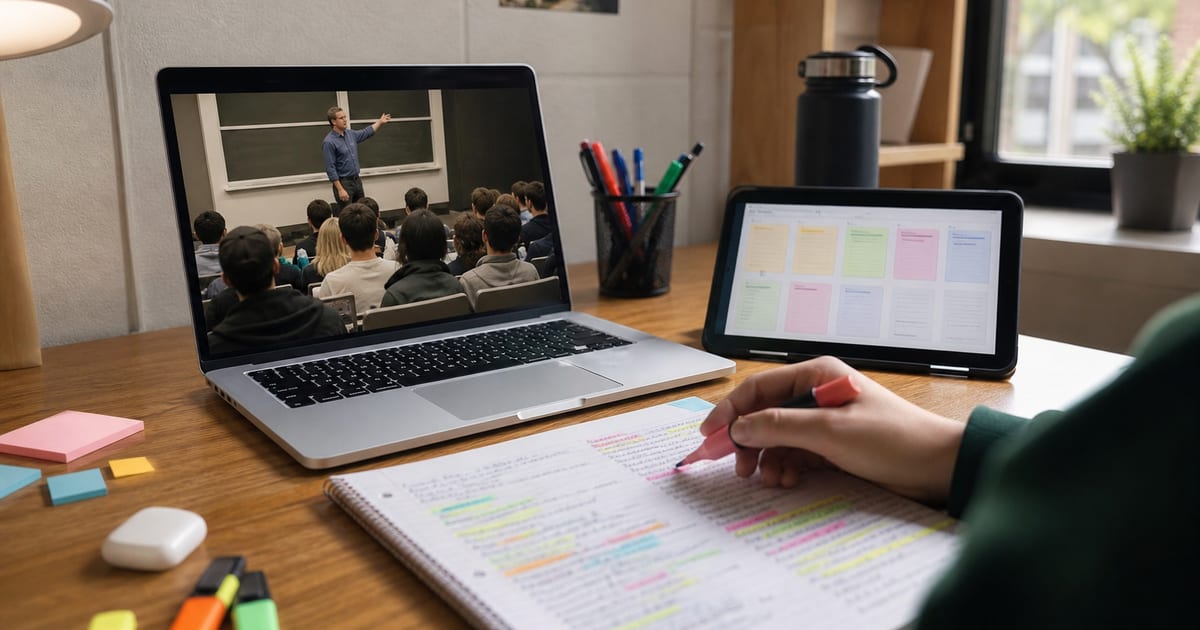
To summarize a lecture or webinar with AI, run a transcript-based summarizer on the recording, use the section breakdown as structured notes, then quiz yourself with grounded chat and verify claims at cited timestamps. For YouTube-hosted talks, tools like Summario can produce a Watch/Skip-style overview plus a deep summary in under a minute — then the real study work is active recall, not rewatching at 1x.
A 90-minute recorded lecture often holds maybe ten minutes of ideas you actually need. The rest is setup, tangents, and the speaker finding the right slide. Watching everything passively is a bad trade when you are catching up or revising for an exam. This guide walks through a study-first workflow, including what to do when the webinar is not on YouTube.
What Does "Summarizing a Lecture" Actually Mean?
Summarizing an educational video is different from summarizing a news clip. You are not just after the headline. You need the structure: concepts introduced, definitions given, examples that made an idea click, and the order it was taught in.
A good lecture summary should surface:
- The main thesis or learning objective
- Key concepts and definitions
- Worked examples and analogies
- Anything the speaker flagged as important or "will be on the exam"
- Timestamps so you can return to the source
Flat one-paragraph "AI overviews" often erase that pedagogy. Prefer section maps over mush.
| Study task | How AI helps |
|---|---|
| Skim before class | 2-minute overview of what's coming |
| Catch up on a missed webinar | Structured breakdown without a full rewatch |
| Build revision notes | Topic-grouped bullets you reshape in your words |
| Check a specific claim | Ask chat → jump to cited timestamp |
| Self-test before an exam | Practice questions grounded in the transcript |
| Study in another language | Summary in your first language + verify terms |
How Do I Summarize a Lecture on YouTube?
Most university lectures, conference talks, and recorded webinars end up on YouTube. If yours is there, this is the fast path.
- Open the lecture on YouTube. Captions (creator or auto) are required for most summarizers — see how to get a YouTube transcript.
- Run a summarizer. With Summario, use the Chrome extension on the watch page or paste the URL in the web app.
- Start with the quick verdict. A short overview of what the lecture covers and whether it deserves full attention right now.
- Read the deep summary. Section-by-section concepts, definitions, and examples.
- Export or copy into your notes system. Notion, Obsidian, or paper — one page per lecture.
The two-tier approach matters for studying: the quick verdict tells you whether this is the lecture worth an hour before an exam; the deep summary becomes the backbone of your notes. For longer recordings, the same chunking logic as summarizing long YouTube videos applies.
YouTube's own Ask / conversational features can help on some learning videos, but rollout is limited — check Ask YouTube help and watch-page conversational AI. Treat native AI as a bonus skim, not your only study system.
How Do I Turn the Summary Into Study Notes?
A summary you read once and forget is not studying. Convert it into something you will revisit.
- Read the deep summary top to bottom once for shape.
- Pull each key concept into its own bullet; add the definition and the example the speaker used.
- Put the central argument at the top so everything hangs off it.
- Close the notes and rewrite the main ideas from memory.
- Reopen and fill gaps — those gaps are your revision list.
- Export to Notion or Obsidian as one page per lecture; add your own recall questions at the bottom.
Do not transcribe the video. Transcription feels productive and builds little memory. For a fuller note-taking playbook, see how to take notes from YouTube videos and YouTube summaries for studying.
Summario can send summaries into your notes workflow; our YouTube to Notion guide covers one common setup. Prefer local markdown? Obsidian keeps headings and bullets intact on export.
How Does Active Recall Work With Grounded AI Chat?
Reading notes feels productive but tests poorly. Retrieval — trying to pull an answer out before you check it — is far more effective for long-term memory. Classic experiments by Roediger and Karpicke (2006) found that students who practiced retrieval retained more after a delay than students who restudied the same material, and a major review by Dunlosky et al. (2013) rated practice testing among the highest-utility study techniques.
Grounded AI chat makes that loop practical on a lecture video:
- Ask: "Quiz me with five questions on the supply-and-demand section."
- Answer from memory.
- Check against the chat's cited timestamps — click through and hear the professor.
- Prefer tools that separate stated content from inference when confidence scores exist.
Because answers are anchored to the transcript, you are checking recall against what was taught — not memorizing a free-floating paraphrase. Still: retrieval-augmented systems can emit ungrounded sentences; click the citation (Gao et al., arXiv:2404.07060). More on the product pattern: YouTube AI chat.
What If the Webinar Isn't on YouTube?
Honest limit first: Summario's core workflow is built for YouTube. A private Zoom file on your laptop will not open in the extension by magic.
Practical options:
| Situation | What to try |
|---|---|
| You own the recording; nothing sensitive | Upload to YouTube as unlisted → captions generate → summarize as usual |
| Public link on another host | Try the Summario web app; some non-standard sources work, many do not |
| Strict privacy / no upload allowed | Export transcript from Zoom/Teams if available → paste into an approved LLM |
| Need multi-source course notebook | Add PDFs + YouTube URLs in Gemini Notebook / NotebookLM |
Unlisted is not private-to-you encryption — anyone with the link can open it. Do not upload confidential company webinars or patient/student data. When neither upload nor transcript export fits, that is a real boundary: pick a different tool class, not a marketing workaround.
Can I Study the Lecture in My Own Language?
Many of the best lectures are in English, which slows you down if it is not your first language. Multilingual summarizers (Summario supports a wide language set) let you read the breakdown in Spanish, German, Portuguese, or others while the audio stays original. Lock concepts in the language you think in, then re-check key exam terms in the course language via timestamps. It is a bridge, not a substitute for learning the vocabulary you will be tested on.
What Does a Full Exam-Prep Workflow Look Like?
- Find the lecture or webinar on YouTube (or unlisted upload).
- Run Summario; read the quick verdict to confirm it is worth time.
- Study the deep summary for concepts, definitions, and examples.
- Reshape into one clean notes page; write recall questions yourself.
- Use grounded chat to quiz; verify with cited timestamps.
- Watch only the segments where your recall failed or confidence was low.
- Before the exam, search your notes library instead of rewatching hours of video.
Students who do this weekly compress recorded hours into focused blocks. See students use case for how the product pieces fit. Free tier reminder: 3 quick + 1 full + 1 chat per day — batch wisely or see pricing.
Method Comparison for Lectures and Webinars
| Method | Best for | Weakness |
|---|---|---|
| YouTube native Ask / summary | Quick skim when available | Uneven rollout; shallow for dense lectures |
| ChatGPT + pasted transcript | Custom study sheets | Manual work; long lectures need chunking |
| Dedicated summarizer (Summario) | Fast triage + timestamp chat on one video | YouTube-centric; free caps; Chrome extension only |
| NotebookLM / Gemini Notebook | Course = many videos + PDFs | Heavier setup; not watch-page triage |
| Manual notes only | Deep encoding | Time cost; easy to over-transcribe |
Soft Next Step
You do not need AI to study well — you need retrieval and verification. Try the workflow on one recorded lecture this week: summarize, rewrite from memory, quiz with timestamps. If Summario removes friction for YouTube-hosted classes, the free tier is enough to feel it before you commit to Pro or digests.
Frequently Asked Questions
How do I summarize a lecture video with AI?
Open the lecture on YouTube (or upload an unlisted recording), run an AI summarizer on the transcript, read the quick overview first, then use the deep section breakdown as structured notes. Ask grounded chat to quiz you, and verify definitions at cited timestamps before you memorize them.
Can I summarize a webinar that isn't on YouTube?
Many YouTube-first tools, including Summario, need a YouTube URL. If you own a Zoom or local recording and it holds nothing private, upload it as an unlisted YouTube video so captions generate and the summarizer can run. Otherwise use a transcript export + ChatGPT, or a tool that accepts local audio.
Is an AI lecture summary accurate enough for exam prep?
It is a strong starting map, not a replacement for the source. Use timestamp citations to check definitions and examples against the original audio. Confidence flags help separate stated facts from inference — still verify anything you will be graded on.
How do I turn a lecture summary into study notes?
Take the deep, topic-grouped summary; pull each concept into its own bullet with definition and example; write the central thesis at the top; then close the notes and rewrite key ideas from memory. Export to Notion or Obsidian as one page per lecture and add your own recall questions at the bottom.
Can I get the lecture summary in a language other than English?
Yes, if your tool supports multilingual output. Summario can generate summaries in many languages so you can watch an English talk and read the breakdown in your first language, then verify key terms against the original with timestamps.
What's the difference between summarizing a lecture and summarizing a news clip?
A news clip needs the headline and a few facts. A lecture needs structure: concepts in teaching order, definitions, worked examples, and what the speaker flagged as important. Flat one-paragraph summaries flatten that structure — section maps matter more for study.
What are Summario's limits for students?
Chrome extension is Chromium-only (web app works elsewhere); free tier is 3 quick + 1 full + 1 chat per day; YouTube-hosted video required for the core workflow; transcript-only tools miss unspoken slides and demos. Digests and higher volume need Pro.